User Guide
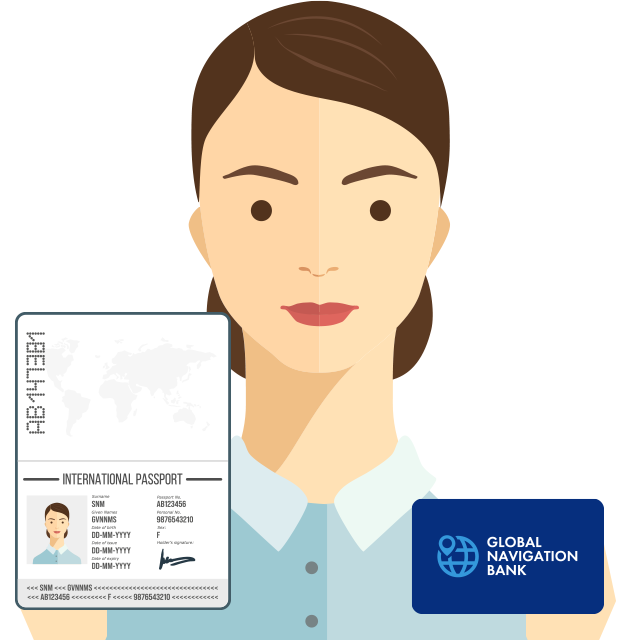
Card activation
When you receive your GLOBAL NAVIGATION BANK card, be sure to activate your card.Cards that have not been activated cannot be used as Debit cards. 1. Move to the card activation screen On the profile screen (account> profile), click "Activation" to move to the "Card activation" screen. 2. Upload Activation Photo Please upload a photo…
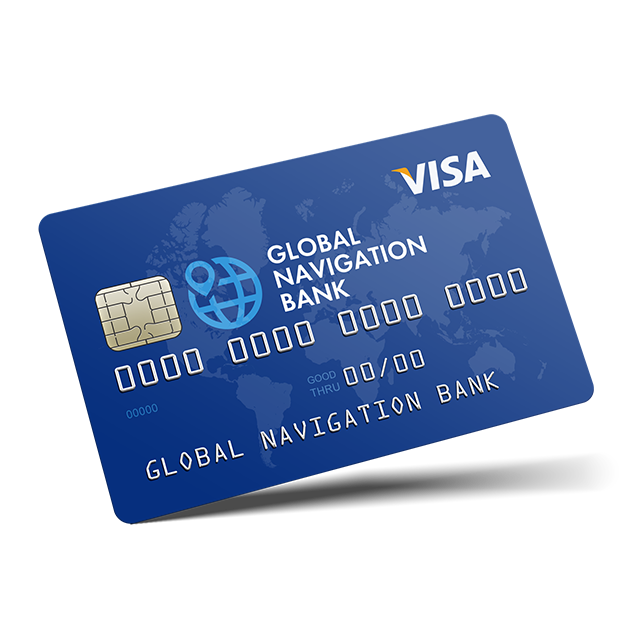
How to apply for account opening
We will show you how to apply for opening a GLOBAL NAVIGATION BANK account. The GLOBAL NAVIGATION BANK card will be automatically applied when the account is opened. 1. Login to GLOBAL NAVIGATION BANK Please log in to GLOBAL NAVIGATION BANK from the login page. If you do not have an account, Create an account…
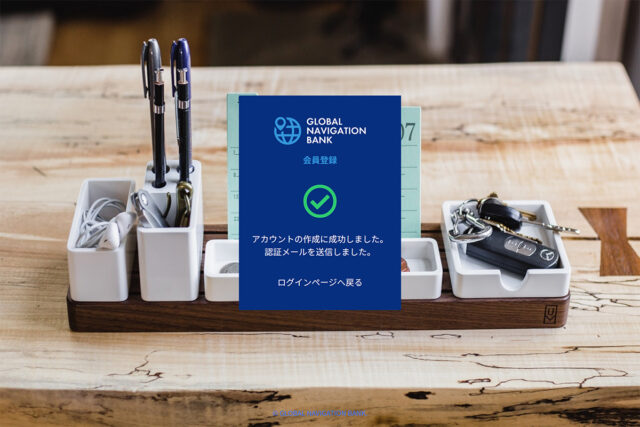
Account creation
Creating a GLOBAL NAVIGATION BANK account is easy. You can create an account if you have a valid email address. 1. Enter the required items on the member registration screen Access the member registration screen, enter the necessary information, and click "Member registration". email addresspasswordpassword (confirmation) Referral from an agent Please enter the “Agent Code".Please…